
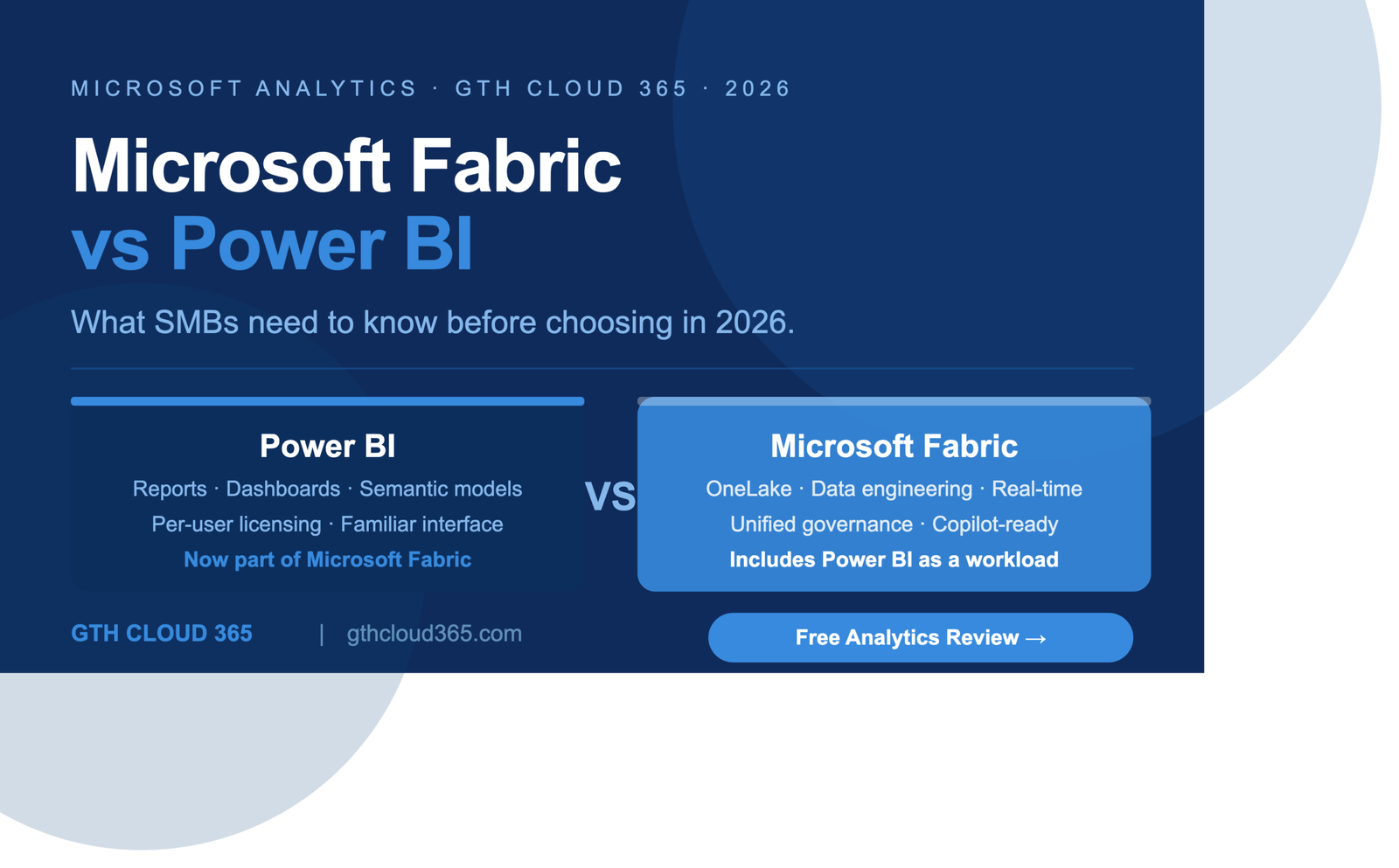
Microsoft Fabric vs Power BI is one of the most common questions we hear from SMB IT leaders and business owners in 2026.
And it is completely understandable. Microsoft has been making significant changes to its analytics platform over the past two years and the messaging around Fabric, Power BI, and how they relate to each other has not always been clear — especially for growing businesses that do not have a dedicated data engineering team.
This post cuts through the confusion. We explain what Microsoft Fabric actually is, how it relates to Power BI, what has changed, and most importantly — what your SMB should be thinking about right now.
What Is Power BI and Where Does It Fit Today
Power BI is Microsoft’s business intelligence and data visualization platform. It allows organizations to connect to data sources, build reports and dashboards, and share insights across the business.
For most SMBs Power BI has been the go-to analytics tool for the past several years — and for good reason. It is powerful, relatively accessible to non-technical users, integrates deeply with Microsoft 365, and has a licensing model that works for smaller organizations.
Power BI is not going away. That is the first and most important thing to understand in the Microsoft Fabric vs Power BI conversation.
What has changed is that Power BI is no longer a standalone product. It is now one of six workloads that make up the Microsoft Fabric platform — specifically it is the visualization and reporting layer within Fabric. Everything you know about Power BI still applies. The reports, the dashboards, the semantic models, the DirectQuery connections — all of it is still there and still works exactly as it did before.
The difference is what sits around it.
What Is Microsoft Fabric
Microsoft Fabric is a unified analytics platform that brings together data engineering, data science, data warehousing, real-time analytics, and business intelligence into a single integrated environment.
Think of it this way. Before Fabric, organizations using the Microsoft stack typically had to stitch together several separate tools to build an end-to-end analytics solution:
- Azure Data Factory for data ingestion and pipelines
- Azure Synapse Analytics or Azure SQL for data warehousing
- Azure Databricks or Azure Machine Learning for data science
- Power BI for visualization and reporting
Each of these tools was separate. Data moved between them. Licensing was separate. Administration was separate. Governance was separate.
Microsoft Fabric unifies all of these capabilities into a single platform with a single licensing model, a single governance layer, and a single storage foundation called OneLake.
For large enterprises this is a significant architectural shift. For SMBs the implications are more nuanced — and that is exactly what we need to talk about.
Microsoft Fabric vs Power BI — The Key Differences
Here is the clearest way to understand the Microsoft Fabric vs Power BI relationship:
Power BI is a part of Microsoft Fabric. It is not being replaced by Fabric. It is included in Fabric as the reporting and visualization workload.
The question for your SMB is not “should we use Power BI or Microsoft Fabric” — it is “do we need the additional capabilities that Fabric brings beyond Power BI, and are we ready to use them?”
Here are the practical differences that matter for SMBs:
Data storage and architecture
Power BI connects to data sources and builds reports from them — it does not store data itself in a managed way. Microsoft Fabric introduces OneLake — a unified data lake that stores all your organization’s data in one place in open Delta format. For SMBs with data spread across multiple systems this is genuinely valuable. For SMBs with straightforward data needs it may be more than required.
Data engineering and pipelines
Power BI can ingest data through dataflows and direct connections. Microsoft Fabric adds Data Factory pipelines, Spark notebooks, and Lakehouse capabilities for more complex data engineering scenarios. Most SMBs using Power BI today do not need these capabilities yet — but growing businesses generating more complex data often find they need them within 12 to 18 months.
Real-time analytics
Microsoft Fabric includes Kusto-based real-time analytics capabilities for streaming data scenarios. For manufacturing, logistics, or retail SMBs with real-time operational data this is a meaningful addition. For most professional services or healthcare SMBs this is not yet relevant.
Licensing
Power BI Premium Per User costs around $20 per user per month. Microsoft Fabric is licensed through Fabric Capacity — a compute-based model starting at F2 capacity which costs roughly $263 per month. For small teams using primarily Power BI the per-user model may be more economical. For organizations wanting the full Fabric platform the capacity model becomes more attractive as usage grows.
Governance
This is where the Microsoft Fabric vs Power BI conversation gets critical for SMBs. Microsoft Fabric introduces a unified governance layer across all workloads — including sensitivity labels, data lineage, impact analysis, and access controls that apply across the entire OneLake. Power BI governance in isolation is more limited. If your organization is building toward Copilot adoption or has compliance requirements around data access, Fabric’s governance capabilities are significantly more mature.
What Has Actually Changed for Power BI Users in 2026
If you are currently using Power BI and wondering what Fabric means for your day-to-day work — here is the practical reality.
The Power BI Desktop application still exists and still works the same way. Your existing reports and datasets continue to work. Your existing Premium Per User licenses continue to be valid.
What has changed is the environment around Power BI. The Power BI Service — the web-based workspace where you publish and share reports — has been progressively integrated into the Fabric experience. If you log into app.powerbi.com today you will notice the interface now says Microsoft Fabric at the top and offers workspaces that include Fabric capabilities alongside Power BI.
For SMBs this means you can start exploring Fabric capabilities within your existing Power BI environment without a complete migration. You are not starting from scratch. You are building on what you already have.
Should Your SMB Move to Microsoft Fabric Now
This is the question that matters most for SMB IT leaders reading this post. Here is our honest answer.
Move to Fabric now if:
- You have data spread across multiple source systems that are becoming difficult to connect and maintain in Power BI
- You are planning Copilot adoption and want a governed analytics foundation that meets AI readiness requirements
- You have compliance requirements around data access, lineage, and classification that Power BI alone cannot fully address
- You have real-time data scenarios — operational dashboards, production floor monitoring, live inventory — that require streaming analytics
- You are growing rapidly and anticipate needing data engineering capabilities within the next 12 months
Stay with Power BI for now if:
- Your analytics needs are primarily reporting and dashboards from a small number of well-structured data sources
- Your team is not yet using Row Level Security consistently across your Power BI reports — fix governance in Power BI first before moving to Fabric
- Your organization does not yet have sensitivity labels and data classification in place — implement these in Microsoft 365 first
- You have fewer than 20 regular Power BI users and your current per-user licensing is working well economically
The Governance Foundation Comes First
Whether your SMB is staying with Power BI or moving toward Microsoft Fabric — the governance foundation is the same and it needs to be in place first.
Row Level Security ensures that users only see data rows relevant to their role. Without RLS a regional manager can see data from every region. A junior analyst can access executive-level reporting. A guest user can query data they were never supposed to reach.
Column Level Security extends this to specific fields within datasets — protecting sensitive columns like salary, margin, or personal identifiers from users who do not need them.
Sensitivity labels classify your data assets so that Copilot and Microsoft Purview can apply appropriate handling rules based on the sensitivity of the content.
These three governance controls — RLS, CLS, and sensitivity labels — are the foundation of secure analytics in both Power BI and Microsoft Fabric. They are also prerequisites for safe Copilot adoption in either platform.
Most SMBs using Power BI today have not implemented any of these three controls consistently. Implementing them now — before a Fabric migration or a Copilot rollout — is the single highest-value analytics governance investment a growing SMB can make in 2026.
Key Takeaways
- Power BI is not being replaced by Microsoft Fabric — it is now the reporting and visualization workload within the Fabric platform
- Your existing Power BI reports, datasets, and licenses continue to work — nothing breaks
- Microsoft Fabric adds data engineering, Lakehouse, real-time analytics, and a unified governance layer beyond what Power BI offers alone
- Most SMBs should focus on governing their existing Power BI environment — RLS, CLS, sensitivity labels — before considering a full Fabric migration
- If you are planning Copilot adoption, compliance certification, or have complex multi-source data needs — Fabric is worth evaluating now
- Governance comes before migration — a well-governed Power BI environment is a better foundation than an ungoverned Fabric environment
Is Your Analytics Environment Governed and Copilot-Ready
Most SMBs using Power BI have reports without RLS, datasets without sensitivity labels, and workspaces without consistent access controls. This is not a criticism — it is simply what happens when analytics grows faster than governance.
GTH Cloud 365 offers a free Microsoft 365 Governance and AI Readiness Health Check that includes an analytics governance review as part of the assessment. In one session we identify your top Power BI and Fabric governance gaps and provide a clear roadmap for secure, Copilot-ready analytics.
No obligation. No sales pressure. Just specific, actionable guidance for your analytics environment.
Request Your Free Governance Health Check →