
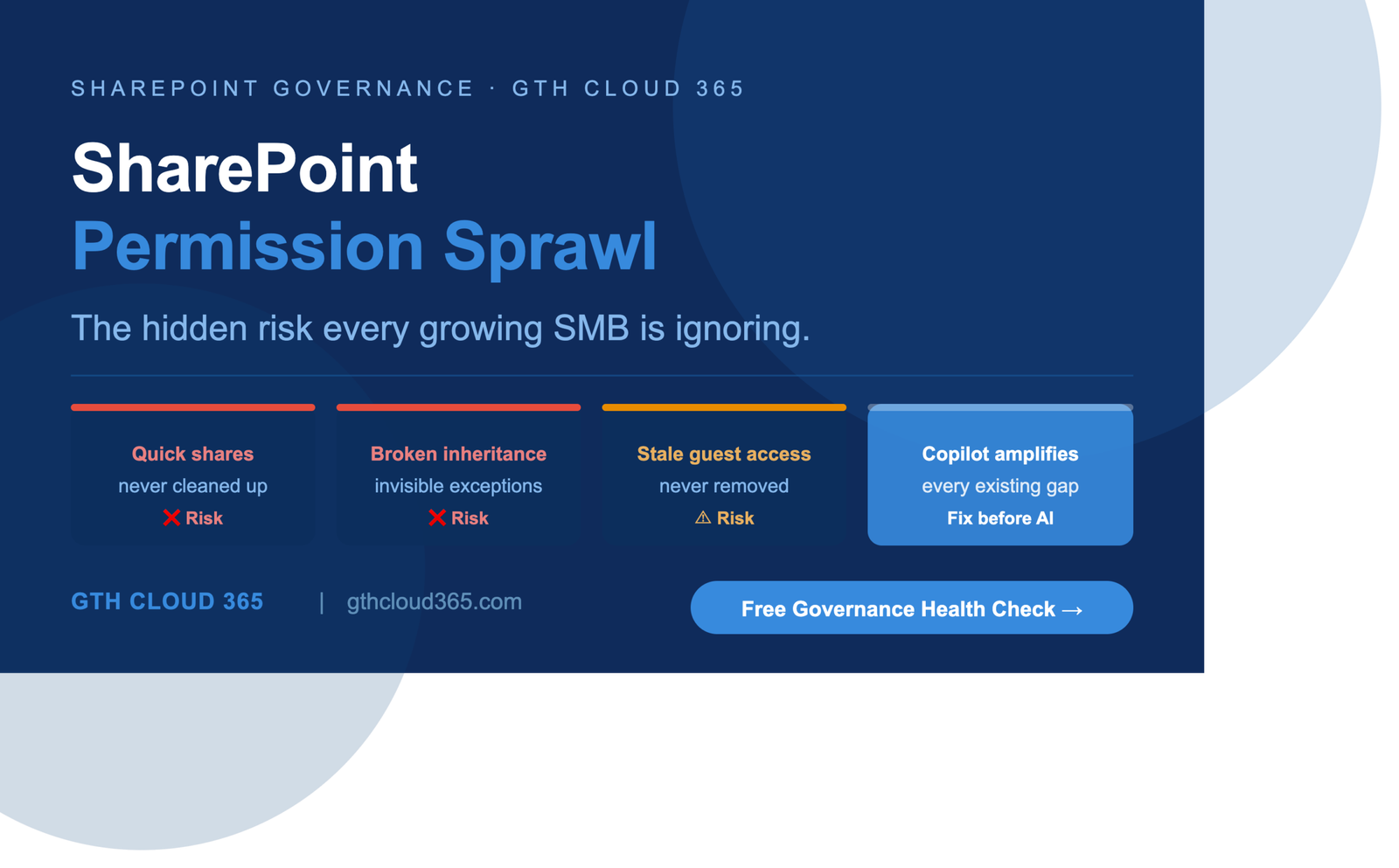
SharePoint permission sprawl is one of the most common and least visible risks inside growing SMB environments today.
It does not announce itself. It does not trigger an alert. It does not appear on any dashboard. It accumulates quietly over months and years as your organization grows, adds users, creates sites, shares documents, and invites guests — without anyone reviewing who has access to what.
And then you enable Microsoft Copilot.
Suddenly every piece of content that every user can reach — including content they were never supposed to have access to — becomes instantly searchable through natural language. HR files. Financial records. Executive communications. Client contracts. All of it surfaced in seconds by anyone who asks the right question.
This post explains what SharePoint permission sprawl is, why it happens in almost every growing SMB, and exactly what to do about it before it becomes an incident.
What Is SharePoint Permission Sprawl?
SharePoint permission sprawl is the gradual accumulation of inconsistent, excessive, and unreviewed access permissions across your SharePoint Online environment.
It happens when:
- Access is granted quickly to solve an immediate problem and never reviewed afterward
- Site permissions are copied from existing sites without checking whether they are still appropriate
- Documents and folders are shared using “anyone with the link” settings that were meant to be temporary
- Guest access is granted for a project and never removed when the project ends
- Permission inheritance is broken on individual folders or libraries to give specific users access — and then forgotten
- New employees are added to existing groups without anyone checking what those groups can actually access
- Departments create their own SharePoint sites with their own permission structures that nobody in IT is aware of
The result is a Microsoft 365 environment where the actual access map — who can reach what — is completely different from what anyone believes it to be.
Why SharePoint Permission Sprawl Is Worse Than You Think
Most IT managers and business owners underestimate SharePoint permission sprawl for one simple reason — they cannot see it easily.
SharePoint does not have a single view that shows you every permission across every site, library, and folder in your environment. Checking permissions manually requires navigating into each site, each library, each folder individually. In an organization with dozens of SharePoint sites and hundreds of document libraries this is not practically achievable without dedicated tooling.
So the sprawl stays invisible. And invisible risks feel like no risks at all.
Here is what we typically find when we run a SharePoint permissions audit for an SMB client:
- Between 20 and 40 percent of sensitive content is accessible to users who have no business reason to access it
- Between 5 and 15 stale external guest accounts with active access to SharePoint content from projects that ended over a year ago
- Multiple instances of broken permission inheritance where folders within secure libraries are openly accessible to everyone in the organization
- At least one location where highly sensitive content — HR, payroll, or legal — is accessible to a broad group that includes junior employees, contractors, or external users
None of these were intentional. All of them accumulated through normal day-to-day activity over time. And all of them become immediately exploitable the moment Microsoft Copilot is enabled.
The Five Most Common Causes of SharePoint Permission Sprawl
1. The “Quick Share” That Was Never Cleaned Up
Someone needs a document urgently. The fastest solution is to share it with “anyone with the link” or to add a specific person directly to a library. The problem gets solved. The share is never removed. Multiply this by dozens of users over two years and you have hundreds of unreviewed sharing links and direct permissions across your environment.
2. Broken Permission Inheritance
SharePoint uses permission inheritance by default — a document library inherits its permissions from the site it belongs to, and documents within the library inherit from the library. When someone breaks that inheritance to give a specific person or group access to a specific folder it creates a permission exception that is invisible in normal SharePoint views and extremely difficult to audit at scale.
3. Guest Access Never Removed
External guest access in Microsoft 365 does not expire automatically unless your tenant is configured to enforce expiration policies. Most SMB tenants are not. This means every vendor, contractor, consultant, or project partner who was ever given guest access may still have it — and may have accumulated access to content beyond what they were originally given through group memberships and shared links.
4. Copy and Paste Site Creation
When a new SharePoint site is created by copying an existing one the permissions from the original site are often copied along with the structure. If the original site had overly broad permissions those permissions are now replicated across every new site created from it. Over time this compounds significantly.
5. No Offboarding Process for SharePoint Access
When an employee leaves an organization their Microsoft 365 account is typically disabled or deleted. But their direct permissions on SharePoint sites, libraries, and folders may leave residual access records that are never cleaned up. More importantly if they were a member of a shared group and that group still has access — their replacement inherits the same broad access without anyone reviewing whether it is appropriate.
SharePoint Permission Sprawl and Microsoft Copilot
The relationship between SharePoint permission sprawl and Microsoft Copilot is direct and serious.
Microsoft Copilot uses SharePoint as its primary data source when responding to user queries. When a user asks Copilot “what is our standard client contract rate?” or “what did we decide about the restructuring?” — Copilot searches everything that user has access to in SharePoint and returns an answer based on what it finds.
It does not check whether the user was supposed to have access to the content it found. It does not flag that the document it is drawing from was shared accidentally three years ago. It simply returns the most relevant answer based on accessible content.
This means SharePoint permission sprawl directly determines the blast radius of Copilot in your organization.
An employee in accounts payable who has inherited access to an executive SharePoint site from a temporary project two years ago can now ask Copilot what the CEO’s compensation package is — and get an answer drawn from documents they were never meant to see.
This is not a hypothetical scenario. It is a foreseeable consequence of enabling Copilot in an ungoverned SharePoint environment.
How to Fix SharePoint Permission Sprawl
Fixing SharePoint permission sprawl is a structured process. It cannot be done by clicking through SharePoint manually — it requires the right tooling and the right approach. Here is how GTH Cloud 365 approaches it for SMB clients.
Step 1 — Permissions Audit
Using Microsoft 365 admin tooling and SharePoint assessment tools we map every permission across every site, library, and folder in your environment. We identify overshared content, broken inheritance, stale guest accounts, and high-risk locations where sensitive content is accessible to unauthorized users.
Step 2 — Risk Prioritization
Not all permission issues are equal. We prioritize remediation based on the sensitivity of the content affected and the breadth of unauthorized access. HR, finance, legal, and executive content gets addressed first. General operational content is addressed in subsequent phases.
Step 3 — Permission Cleanup
We fix broken inheritance, remove stale sharing links, revoke guest access for ended relationships, and restructure permissions based on role-based access controls aligned to your business departments. We document every change for audit purposes.
Step 4 — Governance Controls
Fixing existing sprawl without putting controls in place to prevent new sprawl is only half the job. We implement SharePoint governance controls including site creation policies, sharing settings at the tenant level, guest access expiration policies, and sensitivity labels for high-risk document libraries.
Step 5 — Access Review Schedule
We configure Microsoft Entra ID Access Reviews so guest access and group memberships are reviewed on a quarterly schedule — ensuring that the cleanup does not gradually unwind over the following months.
How Long Does It Take?
For a typical SMB environment with between 20 and 200 SharePoint sites a SharePoint permission sprawl remediation engagement with GTH Cloud 365 runs two to four weeks depending on the size and complexity of the environment.
Week one covers assessment and risk mapping. Week two covers high-priority cleanup and governance control implementation. Weeks three and four cover remaining cleanup, documentation, and access review configuration.
After the engagement your organization has a clean permissions baseline, documented governance controls, and a quarterly review process to maintain it.
Key Takeaways
- SharePoint permission sprawl accumulates in every growing organization — it is not a sign of bad IT management, it is a natural consequence of growth without governance controls in place
- The risk is invisible until something surfaces it — and Microsoft Copilot is the most powerful content surface tool ever added to Microsoft 365
- Fixing permission sprawl before Copilot is enabled is significantly faster and less expensive than managing a data exposure incident after the fact
- SharePoint permission sprawl remediation is not a one-time project — it requires ongoing governance controls and regular access reviews to stay clean
- A permissions audit takes one week — the peace of mind it delivers is permanent
Is Permission Sprawl Hiding in Your SharePoint Environment?
The honest answer for most SMBs is yes — and they do not know how much until someone looks.
GTH Cloud 365 offers a free Microsoft 365 Governance and AI Readiness Health Check that includes a SharePoint permissions overview as part of the assessment. In one session we identify your highest-risk permission issues, quick wins, and a clear remediation roadmap.
No obligation. No sales pressure. Just specific, actionable guidance for your SharePoint environment.
Request Your Free Governance Health Check →