
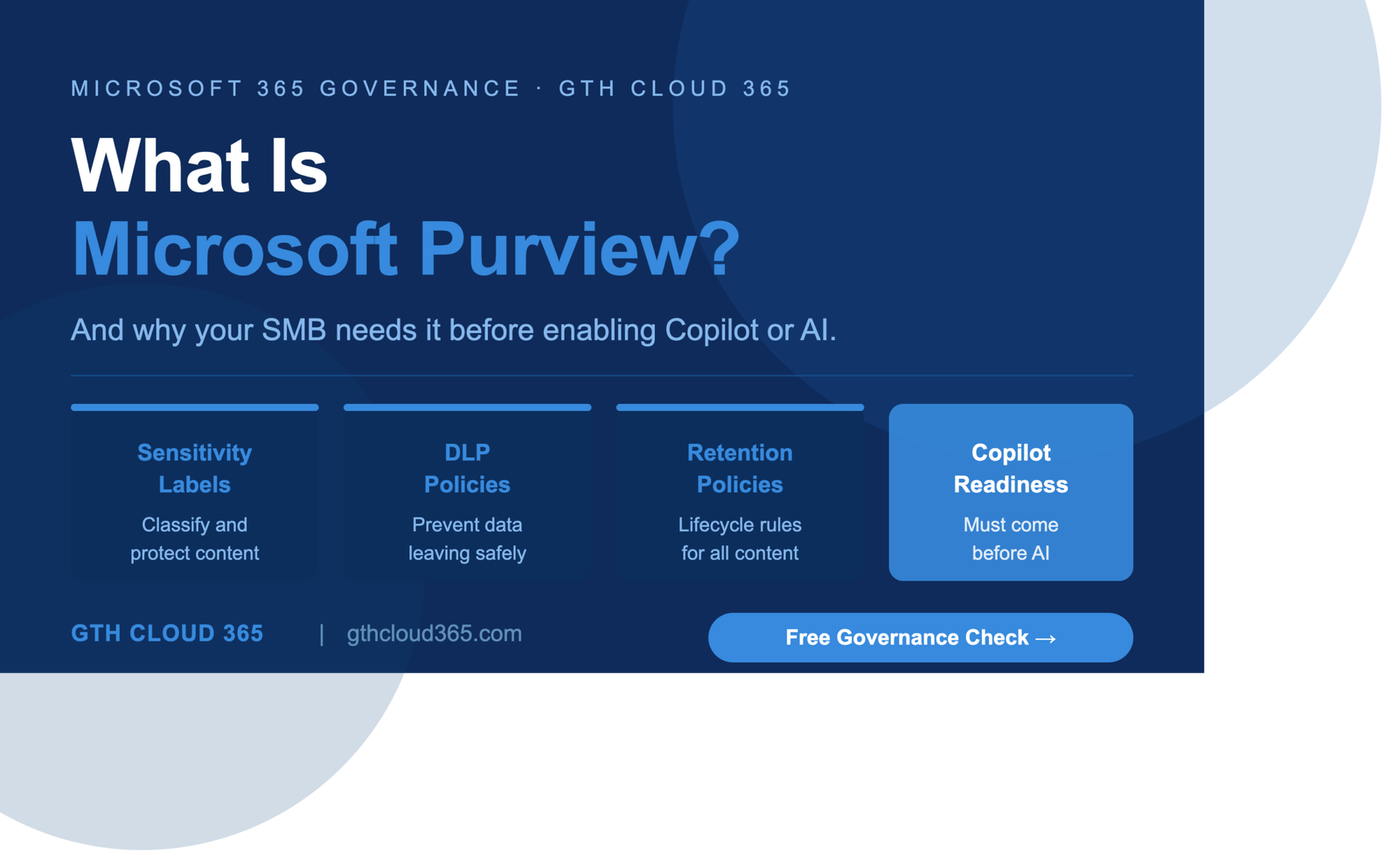
Microsoft Purview for SMBs is one of the most important and least understood tools included in Microsoft 365 Business Premium — and most organizations using it have never switched it on.
If you have Microsoft 365 Business Premium, Microsoft 365 E3, or Microsoft 365 E5 licenses, Microsoft Purview is already available to you. You are already paying for it. But having access to Purview and actually using it are two very different things — and the gap between those two states is where most SMB data exposure risk lives.
This post explains what Microsoft Purview actually is, what it does in plain English, why it matters for growing SMBs, and why it must be in place before you enable Microsoft Copilot or any other AI tool in your Microsoft 365 environment.
What Is Microsoft Purview
Microsoft Purview is Microsoft’s unified data governance, risk, and compliance platform. It brings together a set of tools that help organizations understand, protect, and manage their data across Microsoft 365 and beyond.
Before 2022 these tools existed under different names — Microsoft Information Protection, Microsoft Compliance Manager, Azure Purview, and others. Microsoft unified them all under the Purview brand to create a single platform for data governance and compliance.
For SMBs the most relevant Purview capabilities are:
Information Protection — sensitivity labels that classify and protect documents and emails based on their level of confidentiality.
Data Loss Prevention — policies that prevent sensitive information from being shared inappropriately across Microsoft 365, Teams, Exchange, and SharePoint.
Data Lifecycle Management — retention policies that define how long content is kept and what happens to it at the end of its lifecycle.
Compliance Manager — a dashboard that assesses your compliance posture against regulatory frameworks including HIPAA, GDPR, ISO 27001, and others and provides a compliance score with actionable improvement recommendations.
Audit — a comprehensive log of user and admin activity across Microsoft 365 that supports investigations, compliance audits, and security monitoring.
eDiscovery — tools for identifying, collecting, and reviewing content in response to legal holds, investigations, or regulatory requests.
Most SMBs need the first three capabilities immediately. The remaining three become relevant as the organization grows and faces more complex compliance requirements.
Why Most SMBs Have Never Used Microsoft Purview
The honest answer is that Microsoft Purview is powerful but not intuitive. It lives inside the Microsoft Purview compliance portal — a separate admin interface from the Microsoft 365 admin center that most SMB IT managers check regularly.
Because Purview is separate and because Microsoft 365 works perfectly well without it enabled, most SMBs simply never configure it. They buy the licenses that include Purview, use the familiar Microsoft 365 tools they know, and leave Purview untouched.
This creates an invisible risk that grows with the organization.
Every document created without a sensitivity label is unclassified data that Copilot, Microsoft 365, and Microsoft Purview itself cannot properly protect or govern. Every email sent without a DLP policy in place is a potential compliance violation that nobody detected. Every file retained indefinitely with no retention policy is a legal and storage liability that will eventually become a problem.
The longer Microsoft Purview goes unconfigured the larger the backlog of unclassified, unprotected, unmanaged data becomes.
Microsoft Purview Sensitivity Labels Explained
Sensitivity labels are the foundation of Microsoft Purview for SMBs. They are the mechanism that tells Microsoft 365 — and Copilot — how sensitive a piece of content is and how it should be handled.
A sensitivity label is a tag applied to a document or email that classifies it according to your organization’s data classification framework. A typical SMB framework includes four labels:
Public — content that can be shared freely inside and outside the organization. Marketing materials, public blog posts, product brochures.
Internal — content for internal use only. General operational documents, internal announcements, project files with no sensitive content.
Confidential — content containing sensitive business information that should not leave the organization without authorization. Financial reports, client contracts, strategic plans, HR policies.
Highly Confidential / Protected Health Information — content containing regulated data, personally identifiable information, medical records, or legally privileged information. The most restrictive classification — sharing externally is blocked or requires explicit justification.
Once sensitivity labels are applied Microsoft 365 and Purview can enforce handling rules based on the label — preventing external sharing of Confidential content, requiring encryption on Highly Confidential documents, and watermarking documents based on their classification.
For Copilot specifically sensitivity labels are critical. Copilot uses the sensitivity label of a document to understand how sensitive it is — and applies appropriate constraints when surfacing that content in responses. Without labels Copilot cannot distinguish between a public document and a patient record. Both are just documents to an unlabeled system.
Microsoft Purview DLP Policies Explained
Data Loss Prevention policies in Microsoft Purview define rules for how sensitive information can be shared, moved, and used across your Microsoft 365 environment.
DLP policies work by scanning content for sensitive information types — credit card numbers, social security numbers, medical record numbers, client contract terms, financial data — and applying configured actions when that content is detected in a sharing or sending scenario.
For SMBs the most common DLP policy scenarios are:
Block external sharing of classified content — A DLP policy that prevents any document labeled Confidential or Highly Confidential from being shared externally via SharePoint, OneDrive, or Teams without explicit override and justification.
Warn before emailing sensitive content externally — A DLP policy that detects sensitive information types in emails to external recipients and warns the sender before the email is sent — requiring them to confirm the sending is intentional.
Block sharing of regulated data — For healthcare, financial, or legal organizations — a DLP policy that detects protected health information, financial account numbers, or personally identifiable information and blocks or restricts sharing based on the sensitivity level and destination.
Teams message protection — A DLP policy that prevents sensitive content from being pasted or shared in Teams channels with external guests.
DLP policies can be set to monitor only — recording violations without blocking — or to actively warn, override with justification, or block. For SMBs new to DLP we recommend starting with monitor and warn modes to build awareness before moving to active blocking.
Microsoft Purview Retention Policies Explained
Retention policies in Microsoft Purview define how long content is kept in your Microsoft 365 environment and what happens to it at the end of the retention period.
Without retention policies content in Microsoft 365 is retained indefinitely by default. This creates three problems for growing SMBs.
First it creates legal liability. Content retained beyond its useful life — especially content related to former employees, ended contracts, or resolved legal matters — is discoverable in litigation. The more content you retain indefinitely the larger your discovery exposure.
Second it creates compliance risk. Regulated industries have specific content retention requirements. Healthcare organizations must retain certain records for defined periods. Financial organizations must retain communications records. Without retention policies these requirements cannot be met or demonstrated.
Third it creates storage and management overhead. Content that should have been deleted years ago continues to consume storage, appears in search results, and gets surfaced by Copilot as if it were current and relevant.
A basic retention framework for most SMBs includes:
- Email retention: 3 to 7 years depending on industry
- Financial document retention: 7 years
- HR record retention: varies by jurisdiction — typically 3 to 7 years post-employment
- Legal document retention: consult with legal counsel for specific requirements
- General operational content: 3 years with review at expiry
Why Microsoft Purview Must Come Before Copilot
This is the most important section of this post for any SMB planning Copilot adoption.
Microsoft Copilot uses the content, permissions, and governance controls of your Microsoft 365 environment as its operating context. When a user asks Copilot a question Copilot searches everything that user can access — documents, emails, Teams messages, SharePoint content — and generates a response based on what it finds.
In an environment without Microsoft Purview configured this means:
- Copilot cannot distinguish between a public document and a confidential one because nothing is labeled
- Copilot can include content from documents the user technically has access to but was never meant to see — because permissions have never been reviewed and sensitivity controls have never been applied
- Copilot can help draft an email that includes confidential financial information and send it to an external recipient with no warning because no DLP policies exist
- Copilot can surface patient information, legal correspondence, or HR records in response to general questions because the content has no sensitivity classification and no access controls that Purview could enforce
Enabling Copilot before Microsoft Purview is configured is one of the highest-risk decisions an SMB can make with its Microsoft 365 environment. It amplifies every existing governance gap simultaneously.
The correct sequence is:
- Implement Microsoft Purview sensitivity labels
- Apply labels to high-risk content libraries
- Configure DLP policies for key sharing scenarios
- Implement retention policies for regulated content
- Review and clean up permissions
- Validate Copilot readiness
- Enable Copilot licenses
GTH Cloud 365 follows exactly this sequence in every Copilot readiness engagement. It takes four weeks. The alternative — enabling Copilot and discovering the governance gaps afterward — can take months to remediate and may result in compliance violations, data breach notifications, or cyber insurance claims.
How to Get Started With Microsoft Purview
If your organization has Microsoft 365 Business Premium or above and has never configured Microsoft Purview here is where to start.
Step 1 — Access the Microsoft Purview compliance portal
Go to compliance.microsoft.com and sign in with your Microsoft 365 admin credentials. This is the primary interface for all Purview configuration.
Step 2 — Check your Compliance Manager score
On the Compliance Manager dashboard you will see a compliance score out of 100 and a list of improvement actions. This gives you an immediate view of your current compliance posture and the highest-priority items to address.
Step 3 — Design your sensitivity label framework
Before creating labels decide on your classification tiers. For most SMBs four labels — Public, Internal, Confidential, Highly Confidential — is the right starting point. Add a specific label for any regulated data category relevant to your industry.
Step 4 — Create and publish sensitivity labels
In the Microsoft Purview compliance portal go to Information Protection → Labels and create your label framework. Publish the labels to your users through a label policy. Configure default labels for SharePoint libraries containing your most sensitive content.
Step 5 — Create your first DLP policies
Start with two policies — one that warns users before emailing content labeled Confidential to external recipients and one that blocks external sharing of content labeled Highly Confidential. These two policies address the most common and most damaging data exposure scenarios.
Step 6 — Configure retention policies
Set up retention policies for your email and SharePoint content based on the retention framework appropriate for your industry and jurisdiction.
Key Takeaways
- Microsoft Purview is already included in most Microsoft 365 Business Premium licenses — you are likely paying for it without using it
- Sensitivity labels, DLP policies, and retention policies are the three most important Purview capabilities for SMBs to implement first
- Microsoft Purview must be configured before Copilot is enabled — without it Copilot has no governance context and will surface sensitive data to anyone who asks
- The longer Purview goes unconfigured the larger the backlog of unclassified and unprotected content becomes
- Getting started with Purview does not require enterprise expertise — it requires the right framework applied consistently with the right guidance
- GTH Cloud 365 implements Microsoft Purview as part of every Microsoft 365 governance engagement for SMBs
Is Microsoft Purview Configured in Your Environment
Most SMBs using Microsoft 365 Business Premium have never opened the Purview compliance portal. The controls that should be protecting their data have never been switched on.
GTH Cloud 365 offers a free Microsoft 365 Governance and AI Readiness Health Check that includes a Microsoft Purview readiness review as part of the assessment. In one session we identify your top Purview configuration gaps, quick wins, and a clear roadmap for implementing sensitivity labels, DLP policies, and retention policies in your environment.
No obligation. No sales pressure. Just specific, actionable guidance for your Microsoft 365 environment.
Request Your Free Governance Health Check →