
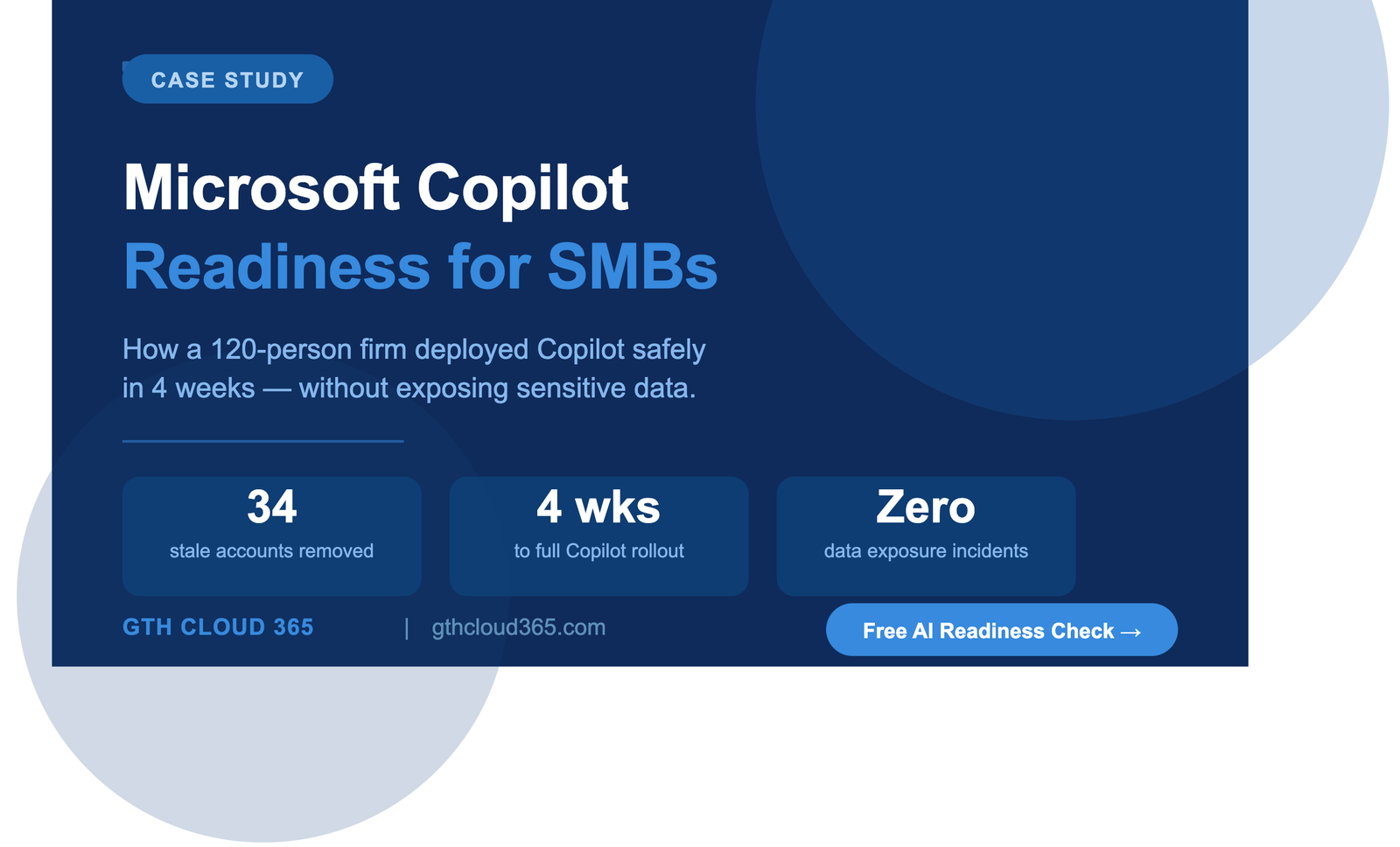
Microsoft Copilot readiness for SMBs is one of the most critical steps a growing business can take before enabling AI — and most organizations skip it entirely
Service: Copilot & AI Readiness | Microsoft 365 Governance Industry: Professional Services Company Size: 120 employees | Mid-Market SMB Location: United States Technologies: Microsoft 365, Microsoft Copilot, SharePoint Online, Microsoft Purview, Microsoft Teams
The Business Challenge
A growing professional services firm with 120 employees was under pressure from leadership to roll out Microsoft Copilot across the organization. The goal was clear — reduce manual work, speed up document drafting, and improve team productivity.
But their IT lead had one serious concern.
Nobody had reviewed who had access to what inside Microsoft 365. Over five years of growth, the environment had accumulated hundreds of SharePoint sites, Teams channels, and shared drives — with little structure, inconsistent permissions, and no data classification in place.
The question keeping them up at night was simple: if Copilot can surface anything a user has access to, what happens when it surfaces something they shouldn’t be seeing?
Client contracts. HR documents. Financial records. Executive communications.
They needed answers before enabling a single Copilot license. This is exactly why Microsoft Copilot readiness for SMBs must begin with a governance assessment — not a license purchase.
Why They Chose GTH Cloud 365
For this firm, Microsoft Copilot readiness for SMBs was not optional — it was the difference between a safe rollout and a serious data breach. The firm had worked with larger IT vendors before but found they were too slow and too generic. They needed a Microsoft specialist who understood governance — not just tool deployment.
After finding GTH Cloud 365 through a targeted search for Microsoft 365 governance consulting for SMBs, they reached out for a free AI readiness health check.
Within the first conversation, they knew they were in the right place.
What GTH Cloud 365 Found
Achieving true Microsoft Copilot readiness for SMBs means understanding your permissions, data exposure, and compliance gaps before AI is switched on. We started with a full Microsoft 365 governance and Copilot readiness assessment. What we found was typical of fast-growing SMBs — not catastrophic, but genuinely risky.
Permissions and access
- 47 SharePoint sites with broken inheritance and inconsistent access controls
- External guest accounts still active from projects completed over 2 years ago
- HR and finance folders accessible to all staff with no restrictions
- No guest sharing policies enforced at the tenant level
Data classification
- Zero sensitivity labels applied across the entire tenant
- No DLP policies to prevent sharing of confidential information externally
- Retention policies nonexistent — documents kept indefinitely with no lifecycle rules
Copilot exposure risk
- Copilot, if enabled in this state, would have had access to every file the logged-in user could reach — including files they had inherited access to but were never meant to see
- At least 3 categories of regulated data were identified as overexposed
What We Did
We worked in a structured four-week engagement, prioritizing risk remediation before any Copilot license was enabled.
Week 1 — Assessment and risk mapping
- Full permissions audit across SharePoint, Teams, and OneDrive
- Identification of overshared content, stale guest accounts, and high-risk data locations
- Delivered a prioritized risk report with quick wins and long-term recommendations
Week 2 — Permissions cleanup and access controls
- Removed 34 stale external guest accounts
- Fixed broken permission inheritance across 47 SharePoint sites
- Implemented role-based access controls aligned to business departments
- Restricted HR and finance content to authorized users only
- Applied tenant-level guest sharing governance policies
Week 3 — Data classification and DLP
- Defined a sensitivity label framework: Public, Internal, Confidential, Highly Confidential
- Applied sensitivity labels to high-risk document libraries
- Configured Microsoft Purview DLP policies to block external sharing of confidential content
- Set up retention labels for HR, finance, and legal document categories
Week 4 — Copilot readiness validation and enablement
- Ran a final readiness check against Microsoft’s Copilot governance requirements
- Confirmed data access boundaries were correct before enabling licenses
- Delivered full documentation and a governance playbook for the internal IT team
- Provided guidance on Copilot usage policies and responsible AI adoption
The Results
Within four weeks, the firm went from “we are not ready” to “we are confident.”
- 34 stale guest accounts removed, eliminating years of accumulated access risk
- 47 SharePoint sites brought into a governed, consistent permission structure
- 3 categories of regulated data secured before Copilot was enabled
- 100% of staff Copilot licenses activated safely on day one of rollout
- Zero data exposure incidents post-deployment
- Leadership reported immediate productivity gains in document drafting and meeting summaries within the first two weeks of Copilot use
Most importantly — the firm’s IT lead finally had an answer to the question that had been keeping them up at night. Copilot was working. And it was working safely.
What the Client Said
“We knew we wanted Copilot but we had no idea how exposed we were before GTH Cloud 365 came in. The assessment alone was eye-opening. Four weeks later, our environment was clean, our team was trained, and Copilot was live. We couldn’t have done this without them.”
— IT Director, Professional Services Firm, United States
Is Your Microsoft 365 Environment Ready for Copilot?
Most SMBs are not — and they don’t know it until something goes wrong.
Before you enable a single Copilot license, you need to know:
- Who has access to what inside your Microsoft 365 environment
- Where your sensitive data lives and who can reach it
- Whether your permissions, DLP, and retention controls are actually in place
GTH Cloud 365 offers a free Microsoft 365 Governance and AI Readiness Health Check for SMB and mid-market organizations. In one session, we identify your top risks, quick wins, and a clear path to safe Copilot adoption.
Key Takeaways: Microsoft Copilot Readiness for SMBs
If your business is planning to enable Microsoft Copilot, here are the most important lessons from this engagement:
- Never enable Copilot before auditing who has access to what — Copilot surfaces everything a user can reach, including files they should not have access to
- Stale guest accounts are one of the most overlooked risks in Microsoft 365 — remove them before any AI rollout
- Sensitivity labels and DLP policies are not optional for regulated industries — they are the foundation of safe AI adoption
- A governance assessment takes days, not months — the risk of skipping it can take years to recover from
- Microsoft Copilot readiness for SMBs is not a one-time project — build governance as an ongoing practice, not a pre-launch checkbox
Request Your Free AI Readiness Health Check →